 About
Services
Rentals
Productions
Contact
Client Portal
About
Services
Rentals
Productions
Contact
Client Portal
Atlantic Canada's first choice for location scouting and location support rentals
Atlantic Location Support Incorporated is Nova Scotia's premier location services company — providing expert location scouting and a comprehensive range of production support equipment to film, television, and commercial productions across Atlantic Canada.
With decades of experience navigating Atlantic Canada's unique landscapes, regulations, and logistics, our team ensures your production has everything it needs from the first scout to the final wrap.
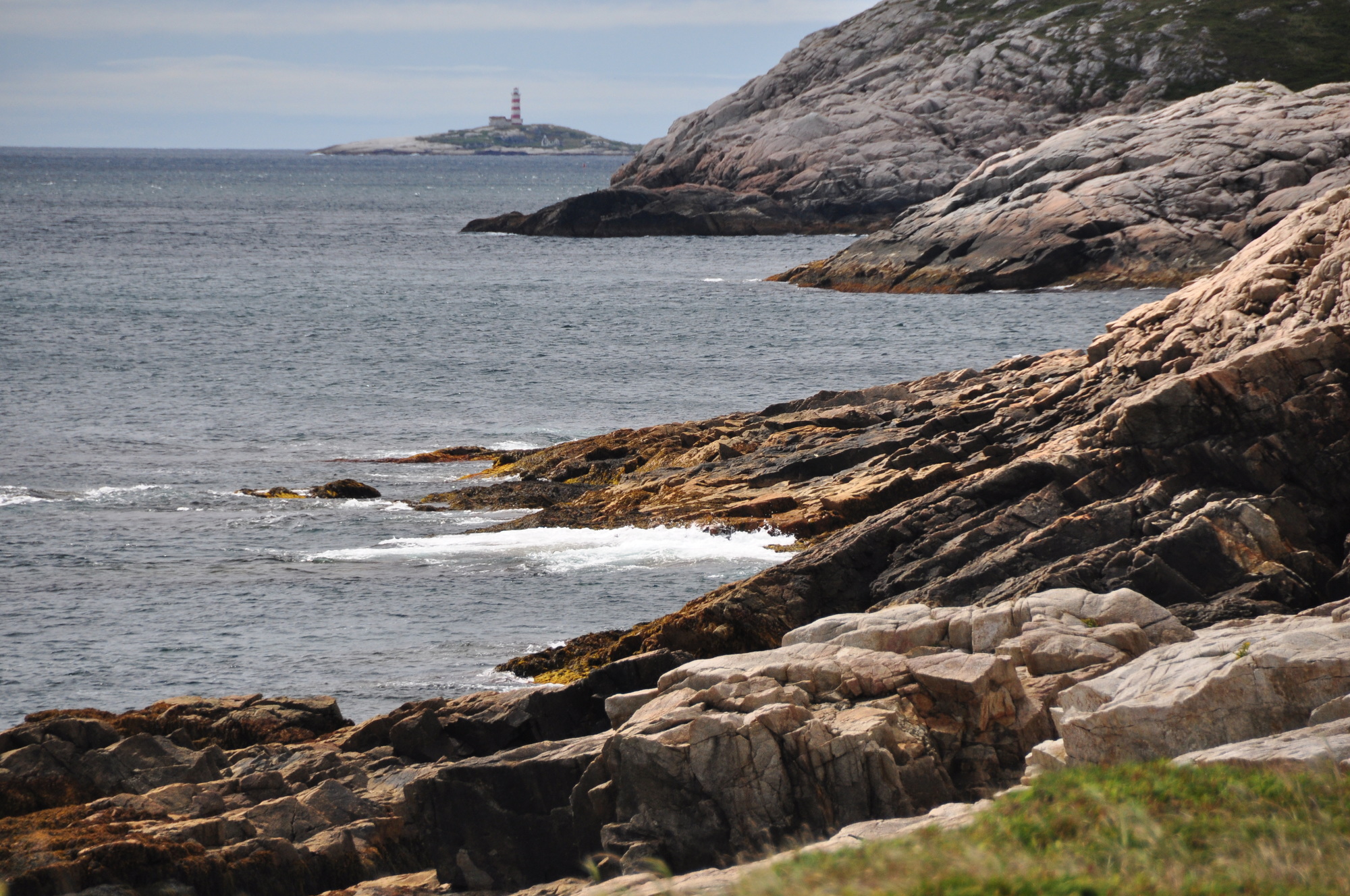
Expert scouting across Nova Scotia and Atlantic Canada. We know the landscapes, the permits, the logistics — and the hidden gems that make a production unforgettable.
Comprehensive inventory of production support equipment. Tents, generators, furniture, signage, electrical and more — all maintained to professional standards.
On-the-ground support from people who understand production. We work alongside location managers and coordinators to keep things running smoothly.
Our inventory covers the full range of location support needs. All equipment is regularly inspected and maintained. Contact us for availability and custom rental packages for long-term productions.
Over three decades of location scouting, location management, and equipment rental across Atlantic Canada — from major Hollywood features to network television and national commercials.